How to shoot
golden hour.
 @cowanfilm
@cowanfilm
@cowanfilm
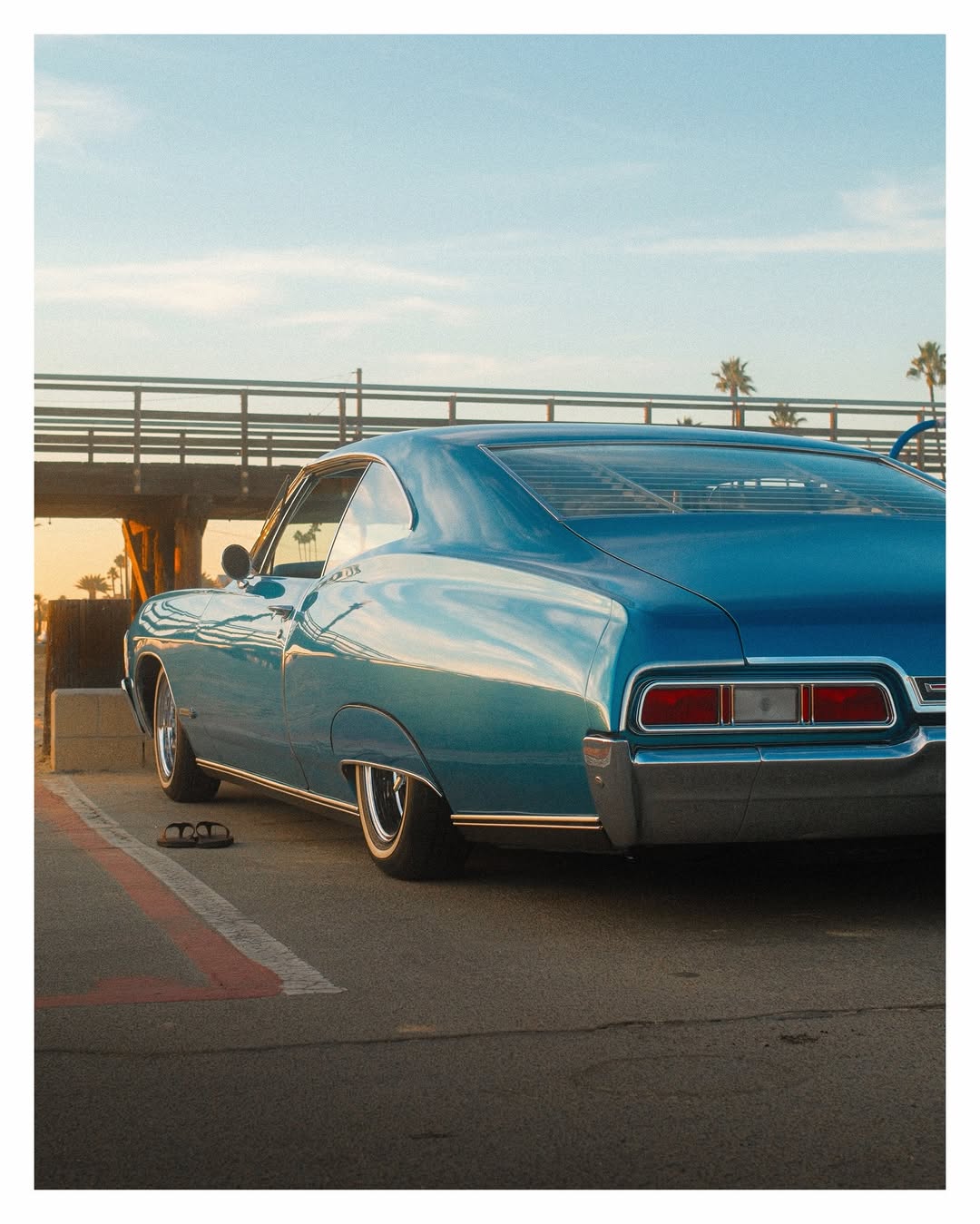
I open PhotoPills, check the sun timeline, and leave when the sun is at six degrees. That is when the color starts.
Golden hour is the window when the sun sits between six degrees and zero degrees above the horizon. At that angle, sunlight travels through so much atmosphere that the short blue wavelengths scatter out entirely. Only the long wavelengths survive: red, orange, gold. The color temperature drops from 5500K to around 2500K.
@cowanfilm
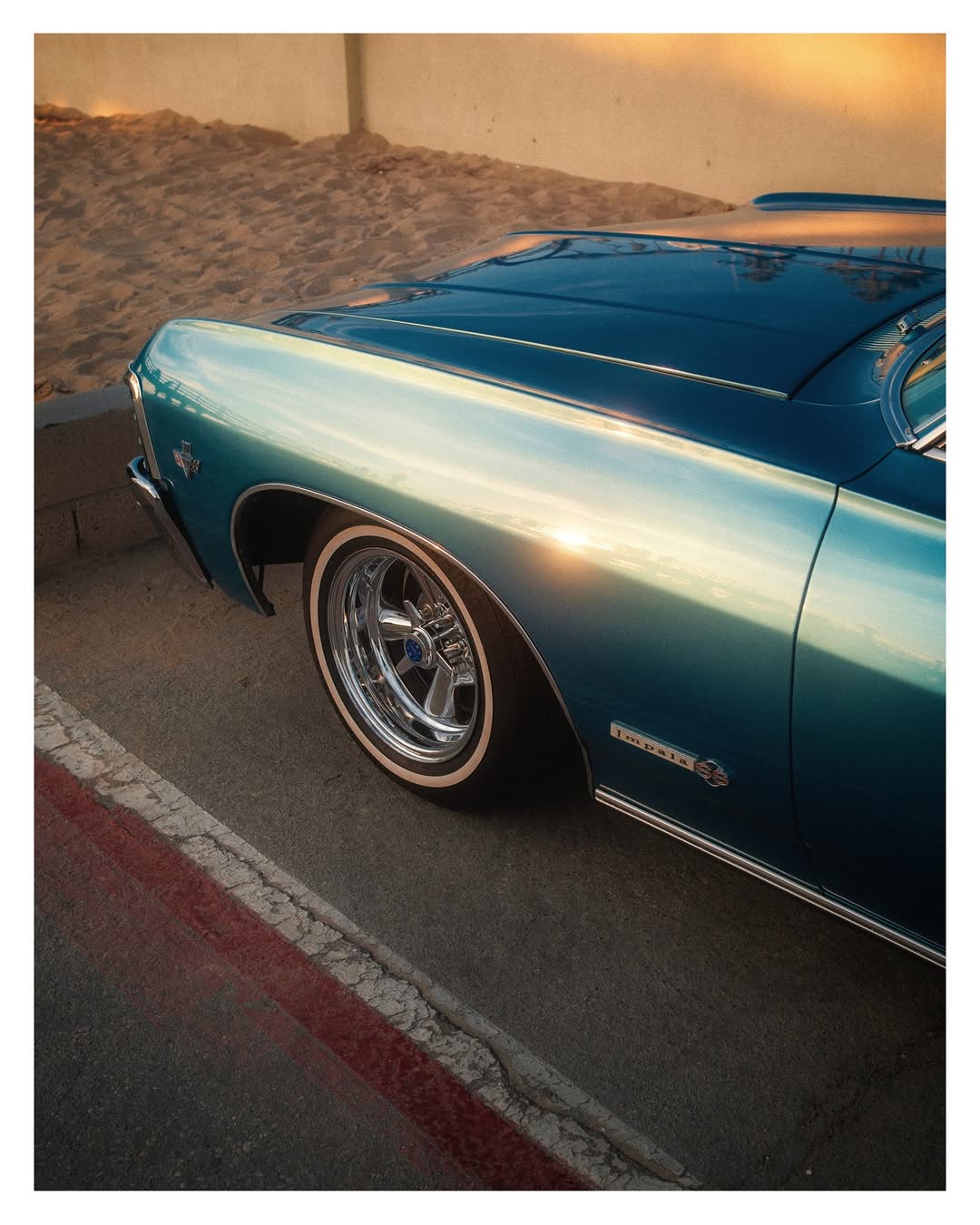
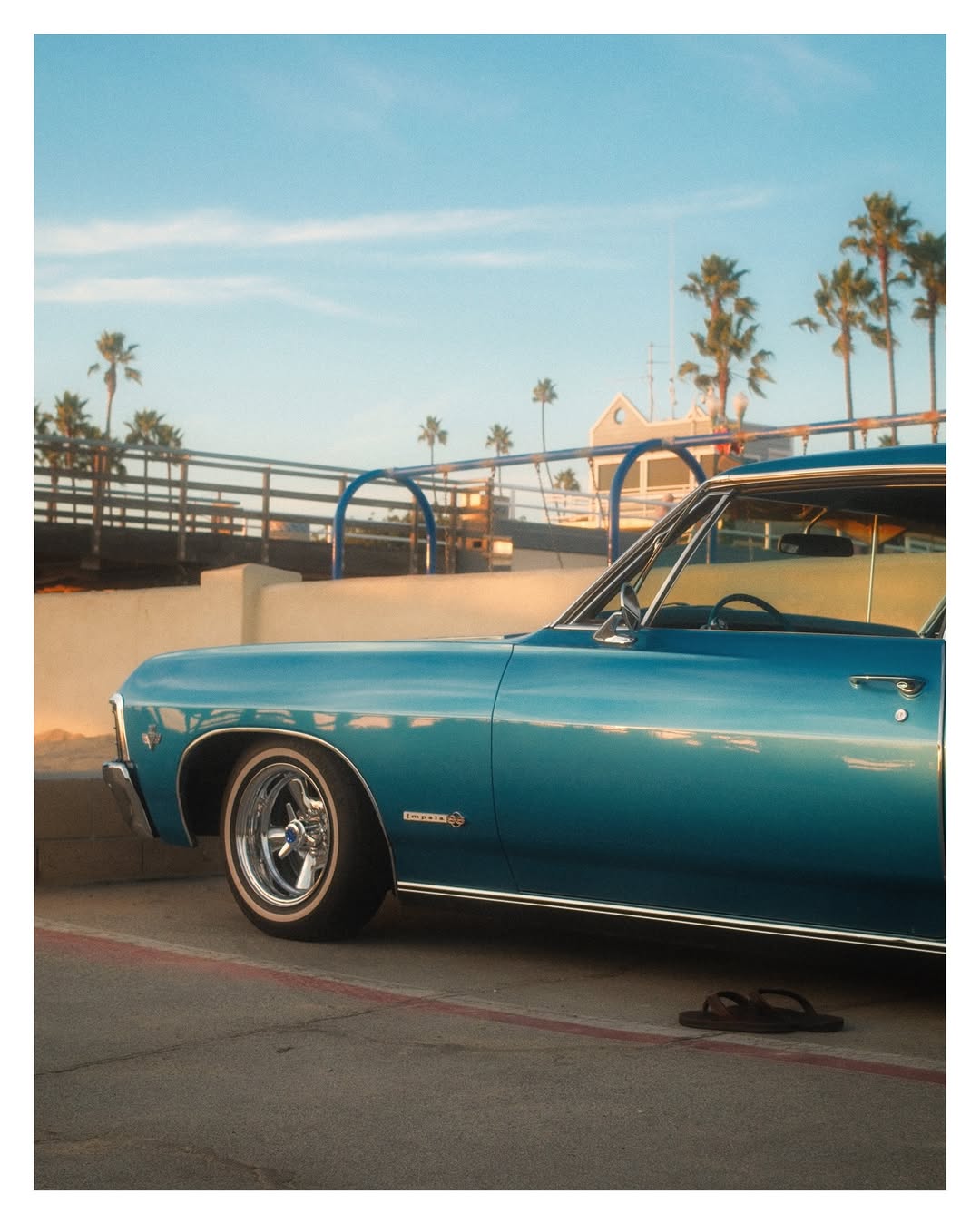
Walk a full circle around your subject before you take a single frame. The sun stays still. You are the variable.
Same car, same light, three completely different photographs depending on where you stand. Each direction does something specific to color, texture, and mood.
@cowanfilm
Your camera's meter targets 18% gray. Golden hour light is not gray. If you trust the meter, you lose the warmth.
The meter sees a bright golden scene and pulls exposure down to protect highlights. The result: muddy midtones, dead warmth. Override it. And never use Auto White Balance at golden hour. AWB is designed to neutralize color casts, which means it actively strips out the gold you came for. Set WB manually.
@cowanfilm
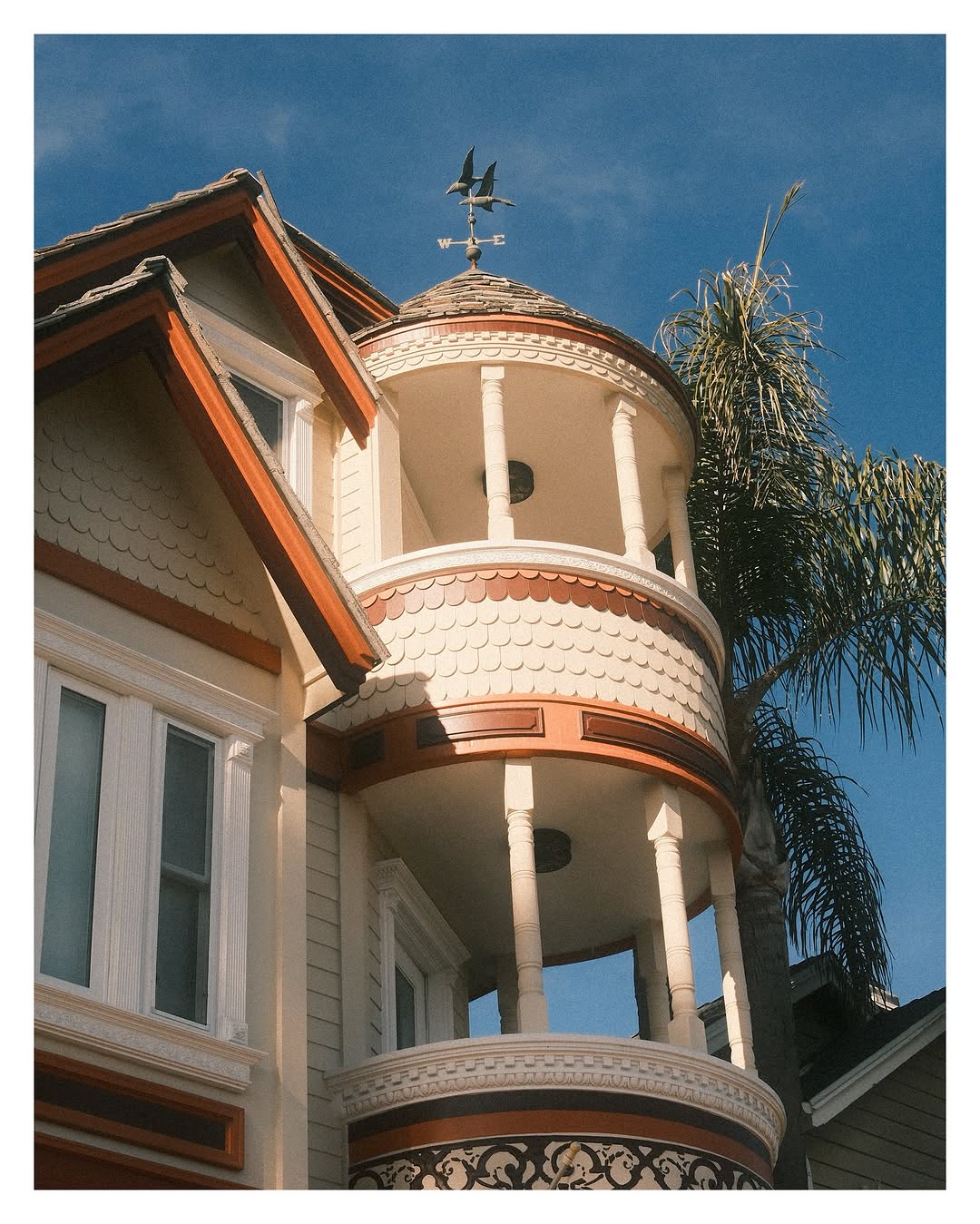
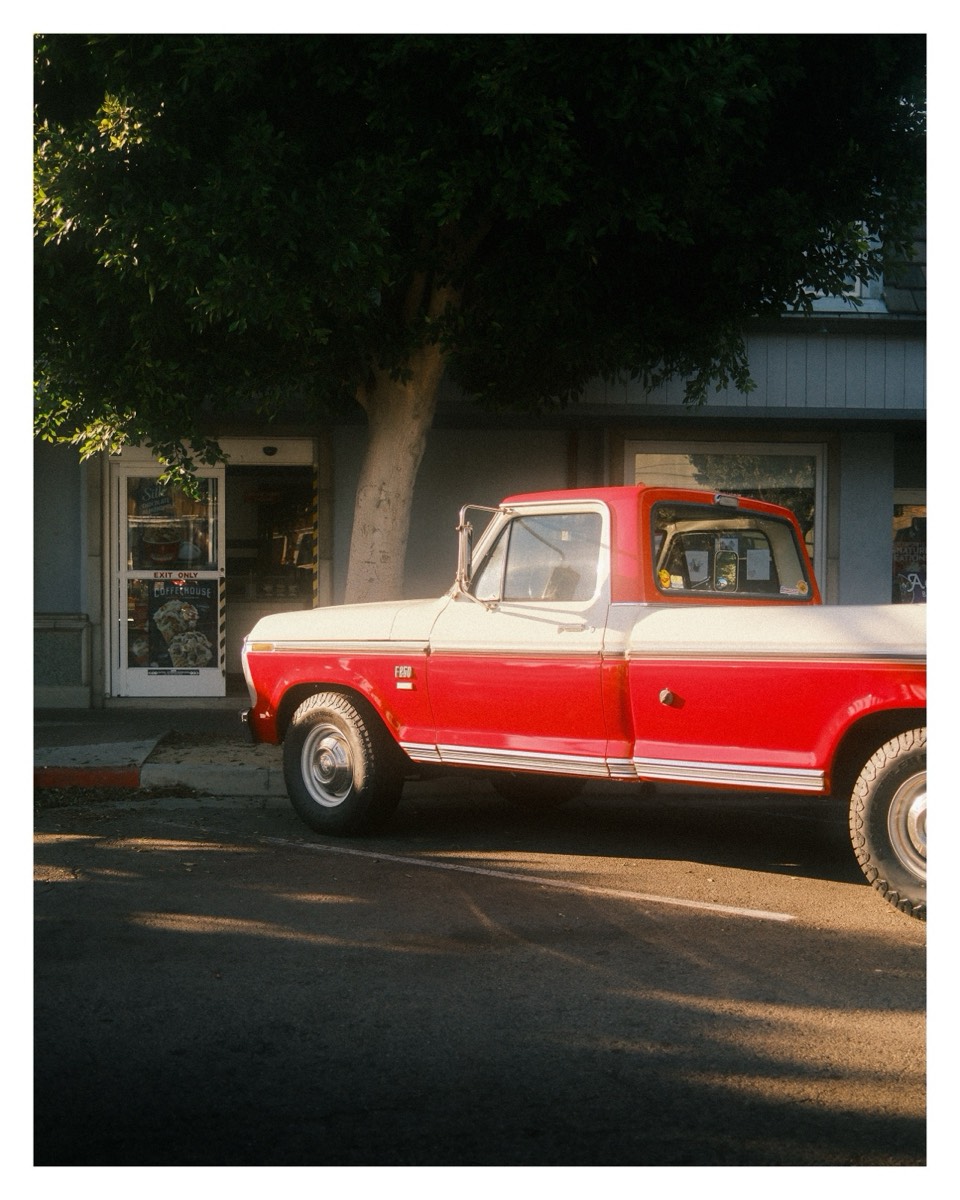
Golden hour rewards surfaces that hold light. Chrome, wet asphalt, glass, painted walls. Find them, then wait for the shadow to cross.
At two to three degrees, shadows stretch ten to twenty times the height of whatever casts them. Those shadows become the composition. A fire hydrant throws a line across an entire lane. A palm tree cuts a diagonal across a building. Use them.
@cowanfilm
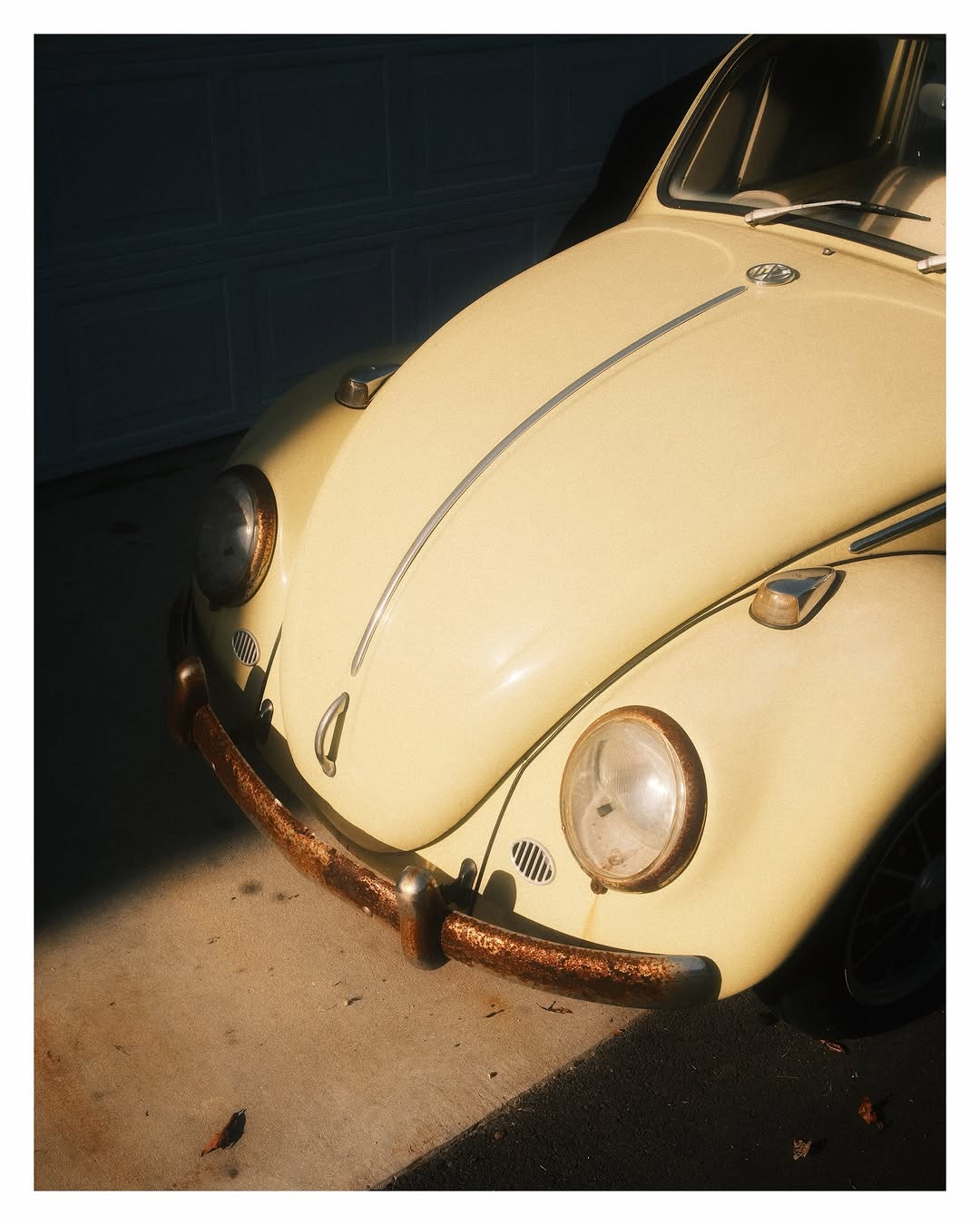
Your Fujifilm already has a golden-hour look built in. The film simulations are color science, not filters. Pick the right one and the JPEG does the work.
Three film sims handle golden hour better than the rest. Classic Negative pushes warm tones warmer and mutes cool tones, so golden light goes rich amber while shadows stay cinematic. Nostalgic Neg (X-T5/X100VI and newer) adds haze and soft contrast, perfect for dreamy backlit shots. Classic Chrome desaturates slightly and adds matte shadows, great for moody architecture at sunset.
@cowanfilm
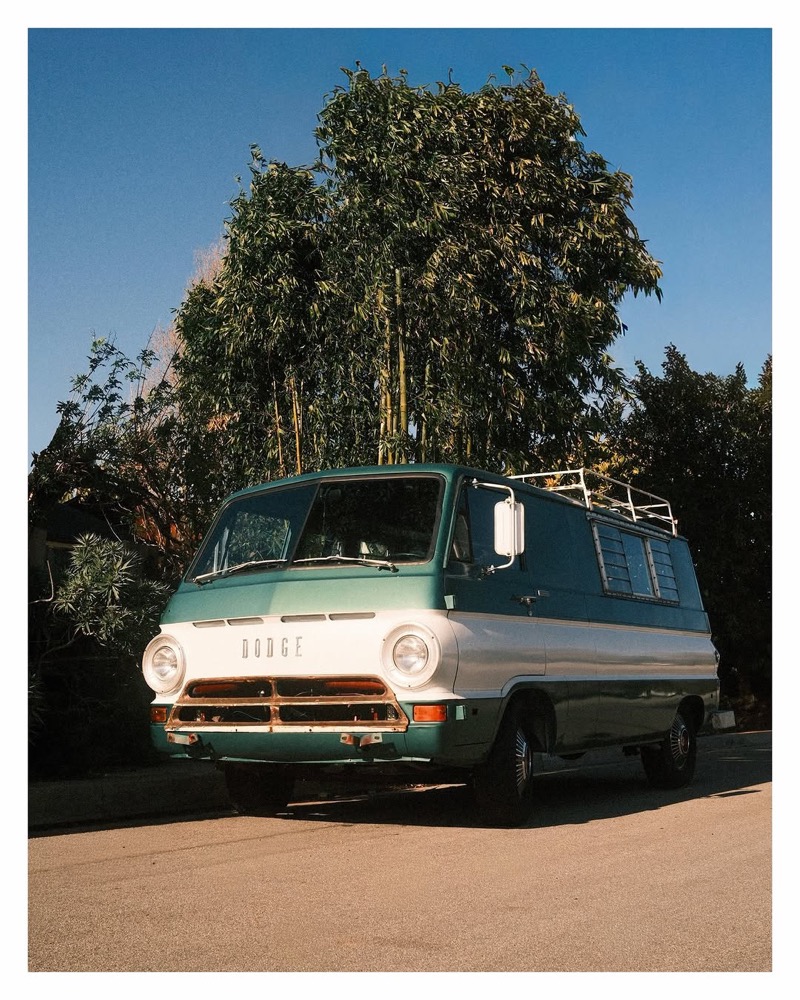
Your iPhone is trying to fix what makes golden hour beautiful. Every auto feature fights the warm light. Disable them.
Turn off Smart HDR. HDR balances highlights and shadows, which kills the contrast and warmth that defines golden hour. Go to Settings > Camera > turn off Smart HDR. The difference is immediate.
@cowanfilm
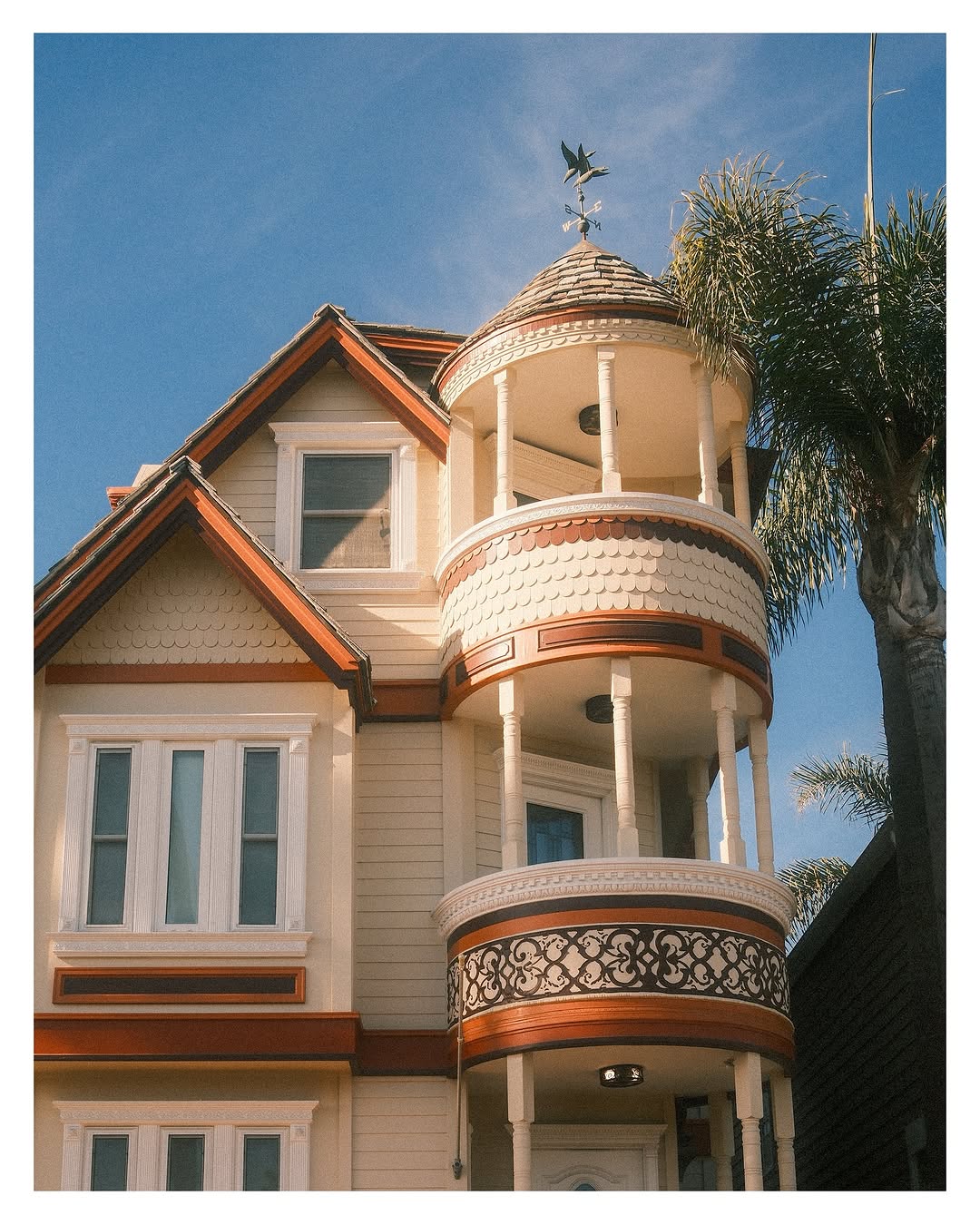
With film there is no white balance menu. The emulsion is the look. Pick the right stock and overexpose.
Film handles golden hour differently than digital. There is no AWB to strip the warmth. The color is baked into the chemistry. Overexpose by one stop. Film has far more highlight latitude than shadow latitude. Meter for the shadows and let the highlights go.
@cowanfilm
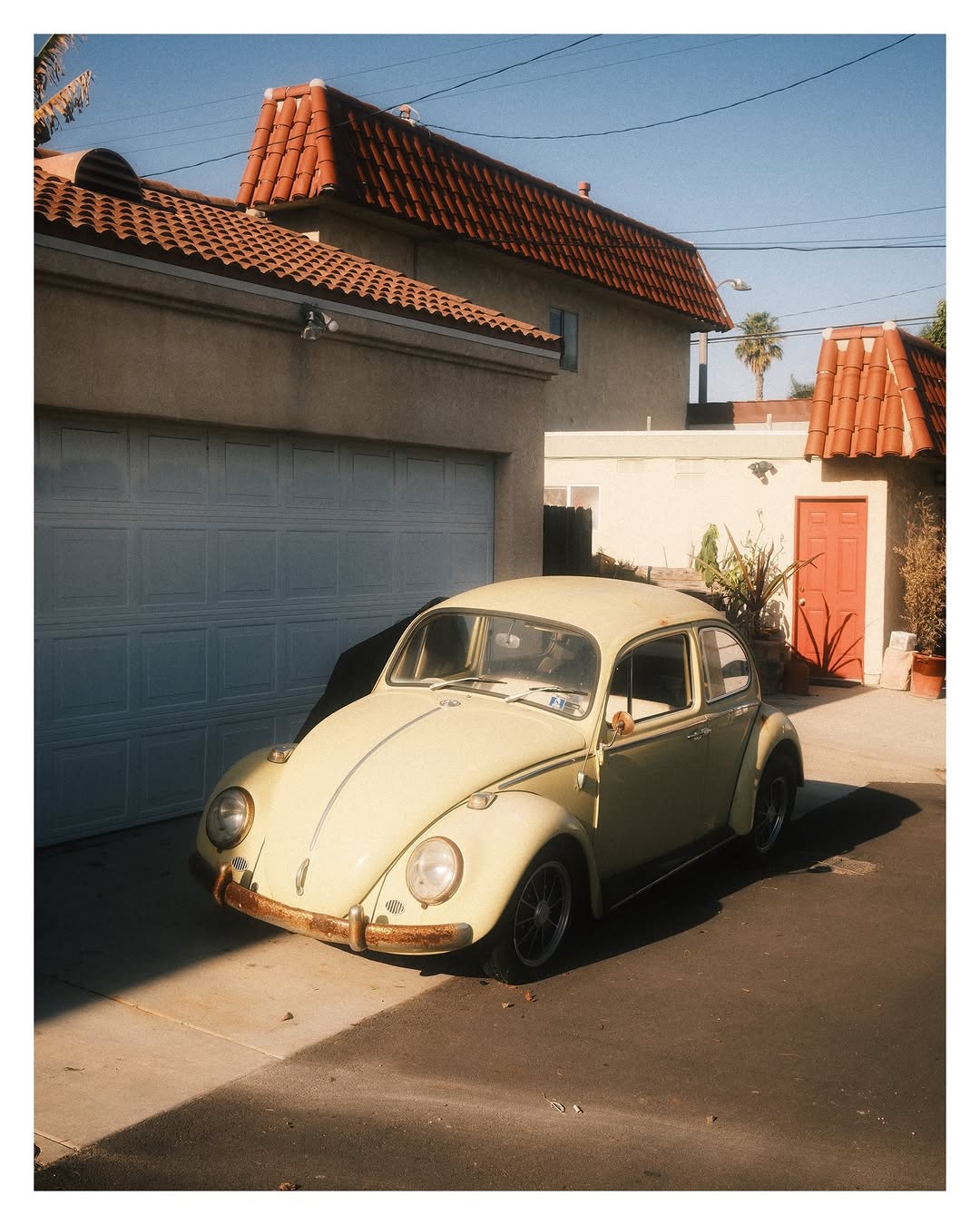
Golden Light is the Classic Negative recipe that bakes everything in this guide into the JPEG engine. Warm highlights, cinematic shadows, Color Chrome dialed for amber tones. Pointed at the right scene, it pulls golden-hour warmth out of midday light, overcast skies, anywhere the color has even a trace to work with.
Fifteen settings, hand tuned across hundreds of frames in Southern California. Instant PDF. Full 15/15 compatibility with X-Pro3 and newer. See page 6 for your camera.
@cowanfilm
ClubFujix is a Fujifilm club for meeting people, sharing work, and getting better together. Free to join, lives on Discord.
 @cowanfilm